ChannelDeck for Apple TV

Make yourself
comfortable.

Your playlists, a clear programme guide and a little room to rewind. Built around the Siri Remote, with everything running right on Apple TV.

App Store release in preparation

tvOS 18 or later. The Apple TV app is not yet available to buy.

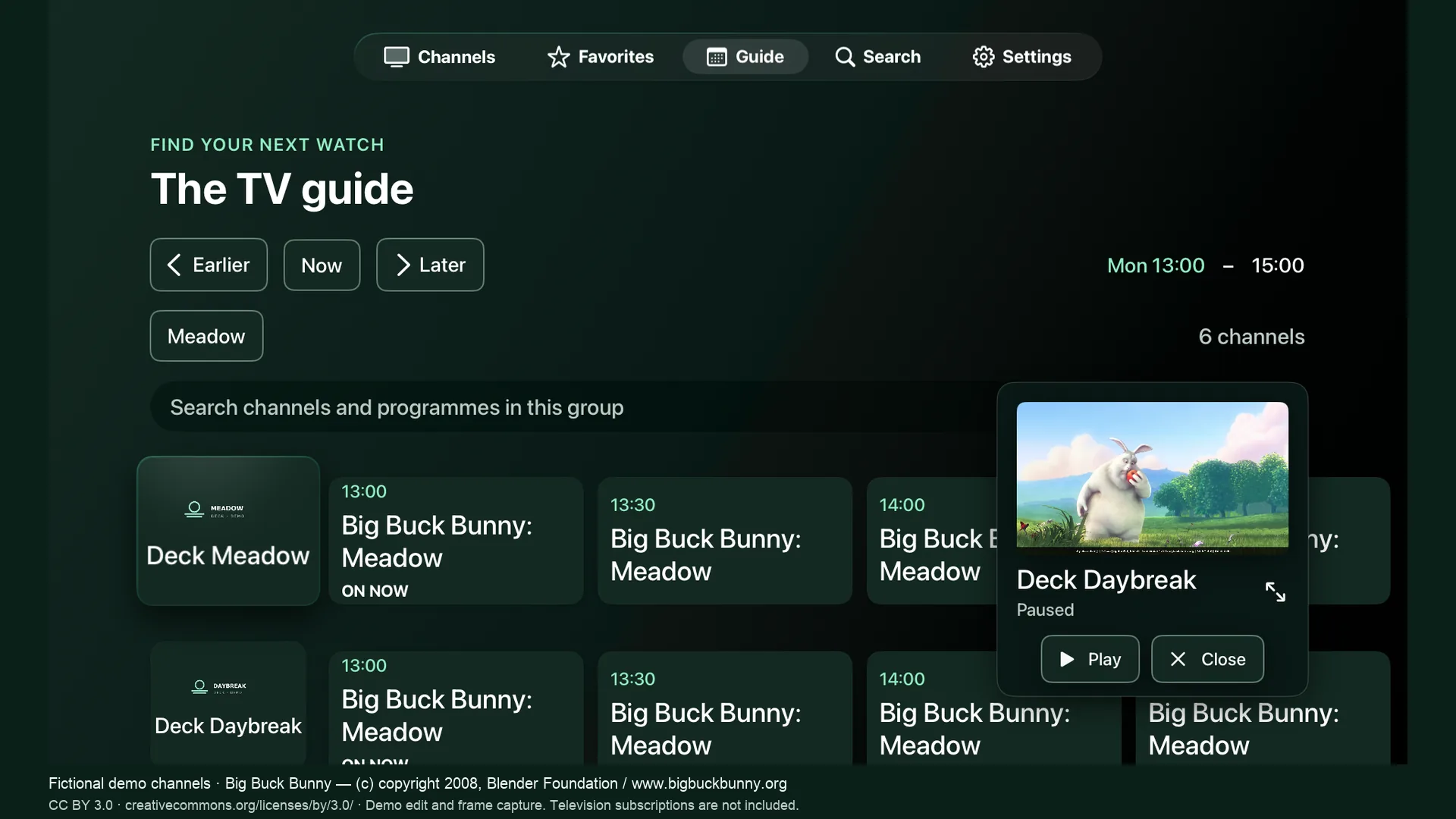
ChannelDeck mini player continuing to play while the fictional channel library is browsed
Keep watching while you browse · in-app mini player

Pause. Rewind.
Return to live.

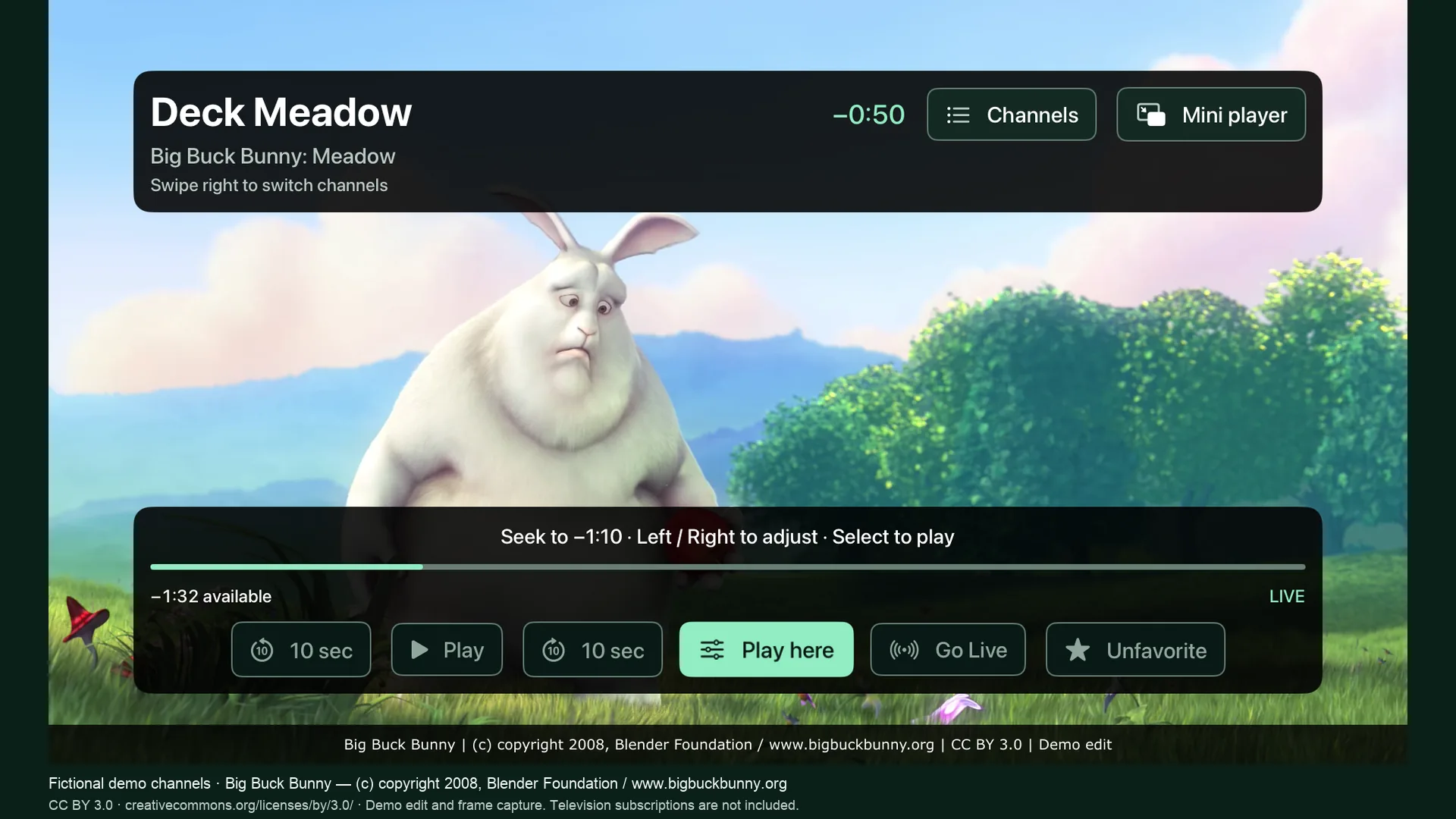
Keep up to ten minutes of received live media on Apple TV. Pause while the buffer keeps growing, skip ten seconds, seek on the timeline, or choose Go Live.

History begins when you tune in. Storage can shorten the window; switching channels, stopping or leaving the app clears it.
Everything
within reach.

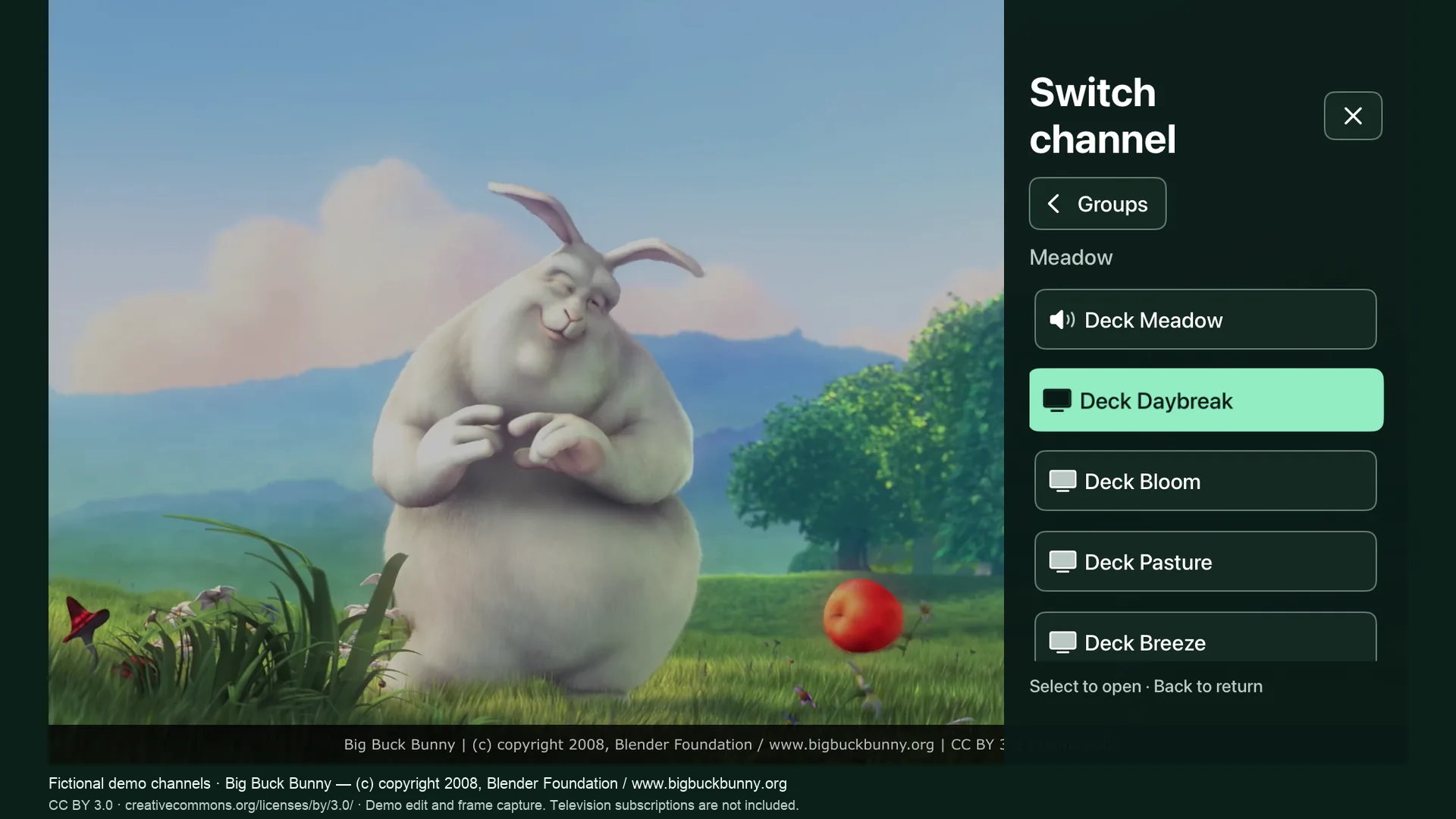
Browse groups, favorites, recently watched channels and programme listings. Swipe right during fullscreen playback to open the channel drawer, or use the mini player to keep watching inside ChannelDeck.

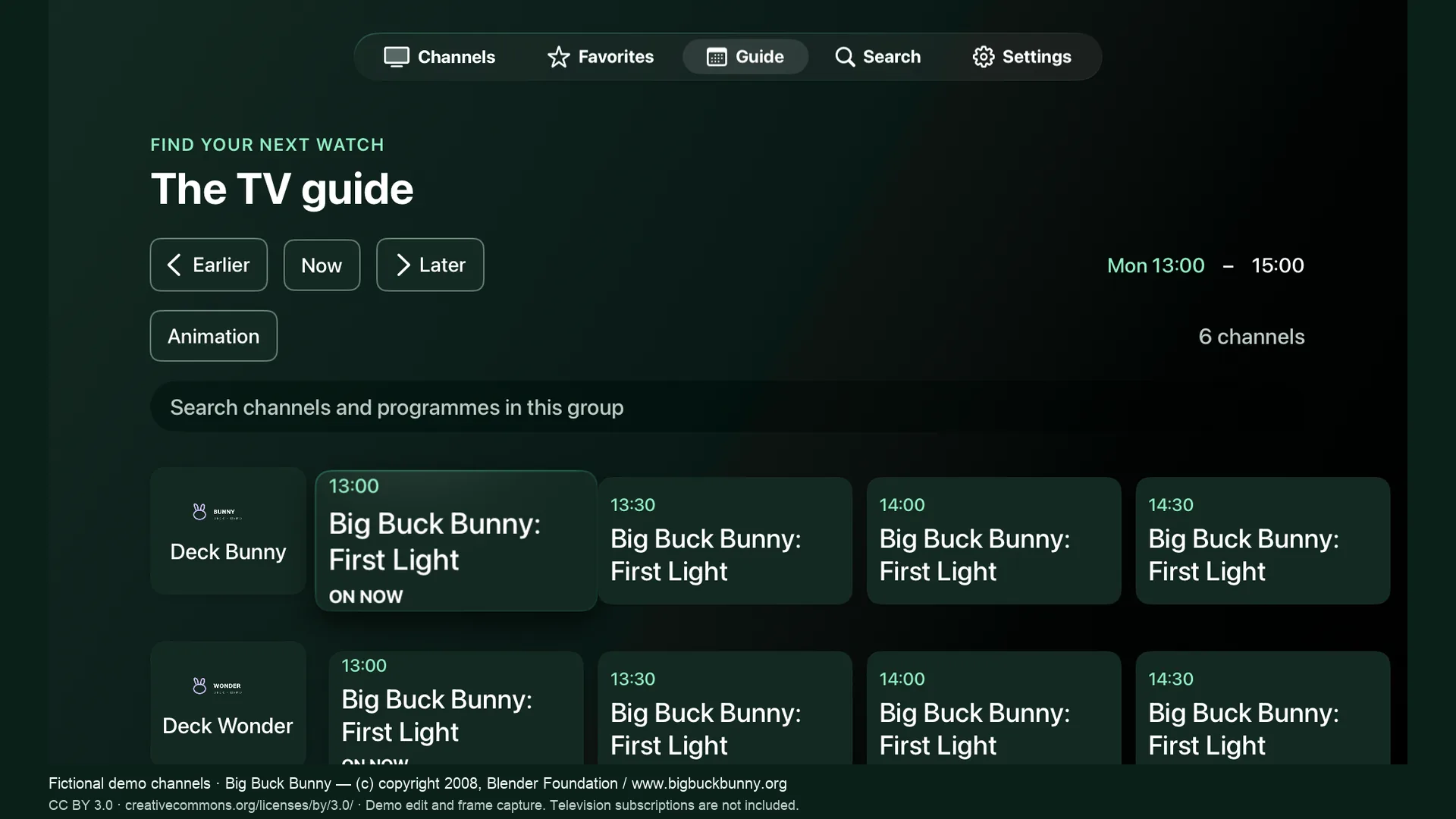
A guide that works
with your sources.

Add XMLTV listings or use Open-EPG matching to supplement them. Review uncertain matches in Settings. Available channels and up-to-date listings depend on the guide provider.

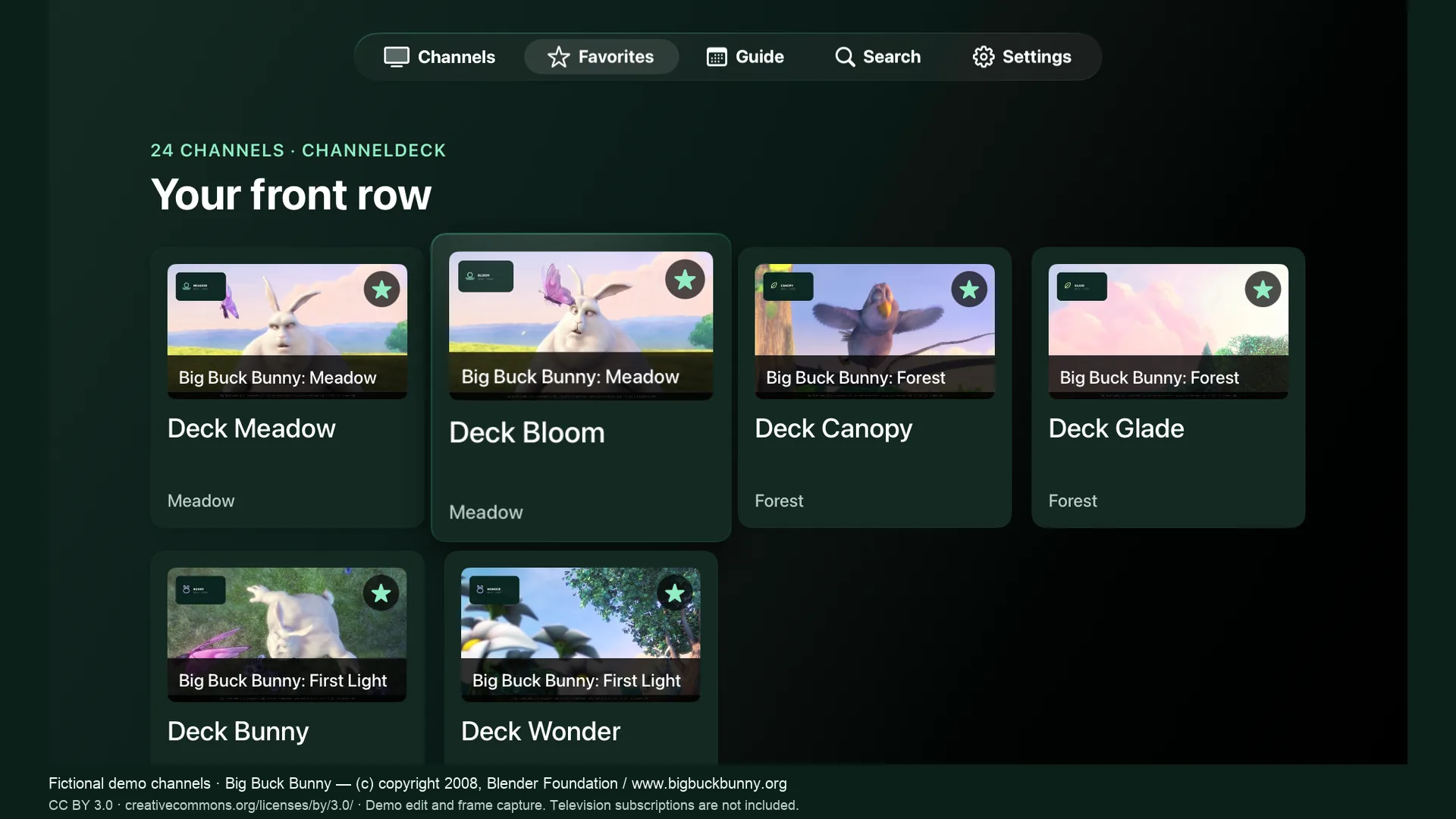
Your front row,
ready when you are.

Real frame previews build as you watch. Favorites and frequently watched channels can also appear in Apple TV’s Home Screen Top Shelf when ChannelDeck is placed in the top row.

Setup and playback help
Fictional demo channels. Big Buck Bunny © 2008 Blender Foundation, CC BY 3.0. Excerpted and captured in ChannelDeck. Full credits.