Ten minutes of live rewind
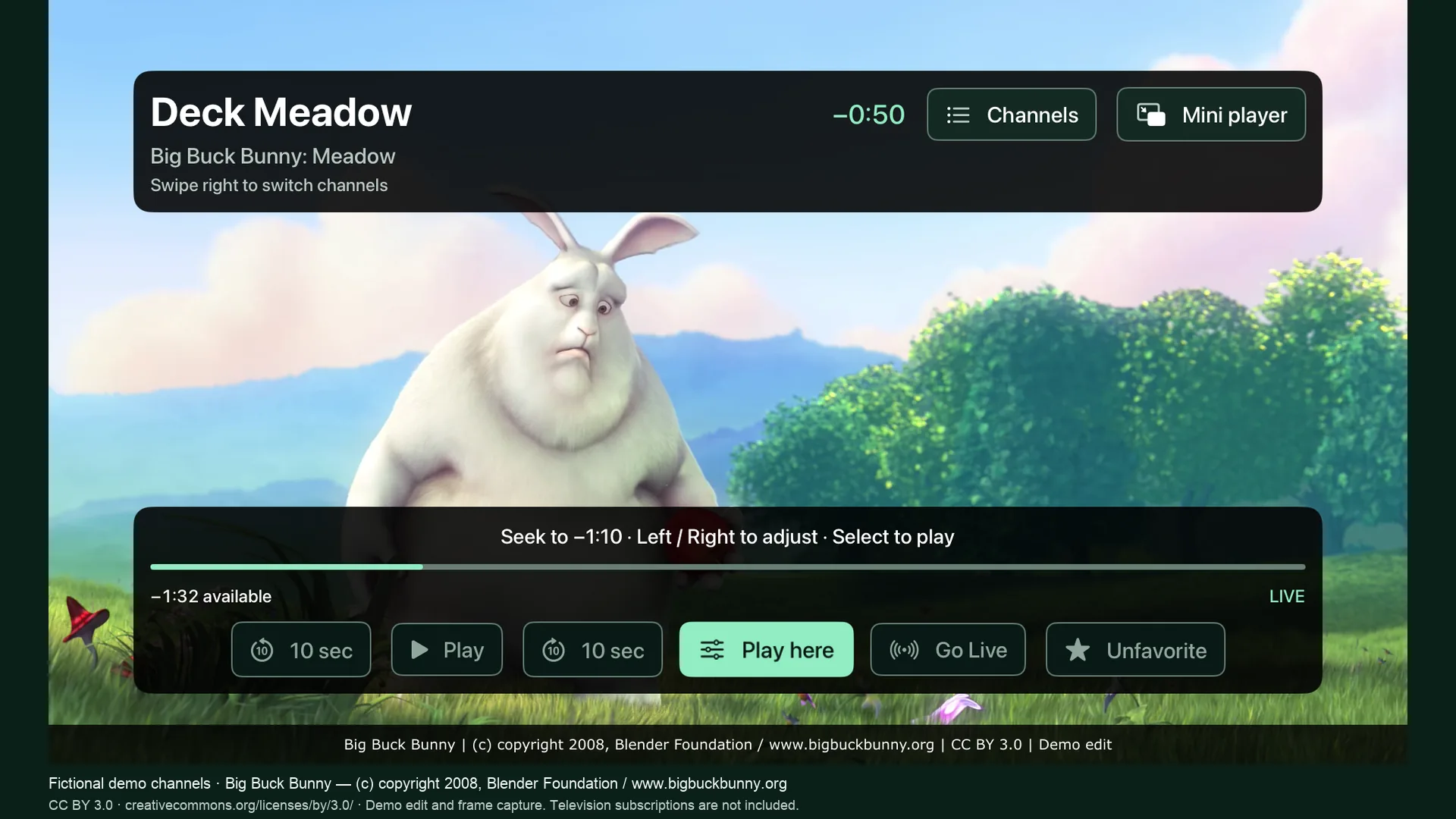
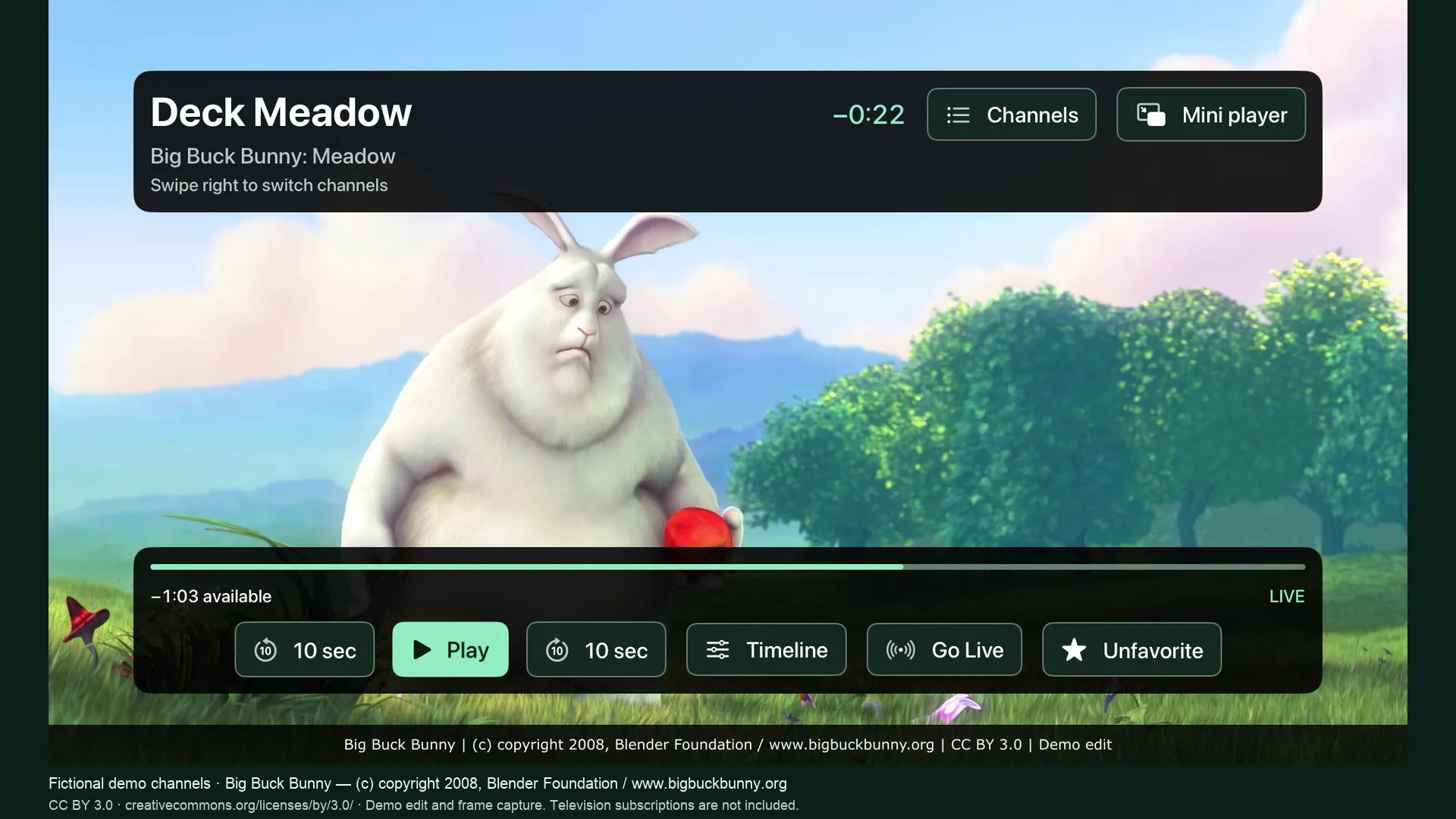
Pause, skip back, scrub the timeline, then Go Live. Adaptive buffering keeps playback smooth.
Now on the Apple TV App Store
Bring your own IPTV playlists to Apple TV and Mac. Pause live television, pick up where you left off, and keep watching in a corner while you browse the guide.
tvOS 18 or later · No account needed · Channels and subscriptions not included
Pause, skip back, scrub the timeline, then Go Live. Adaptive buffering keeps playback smooth.
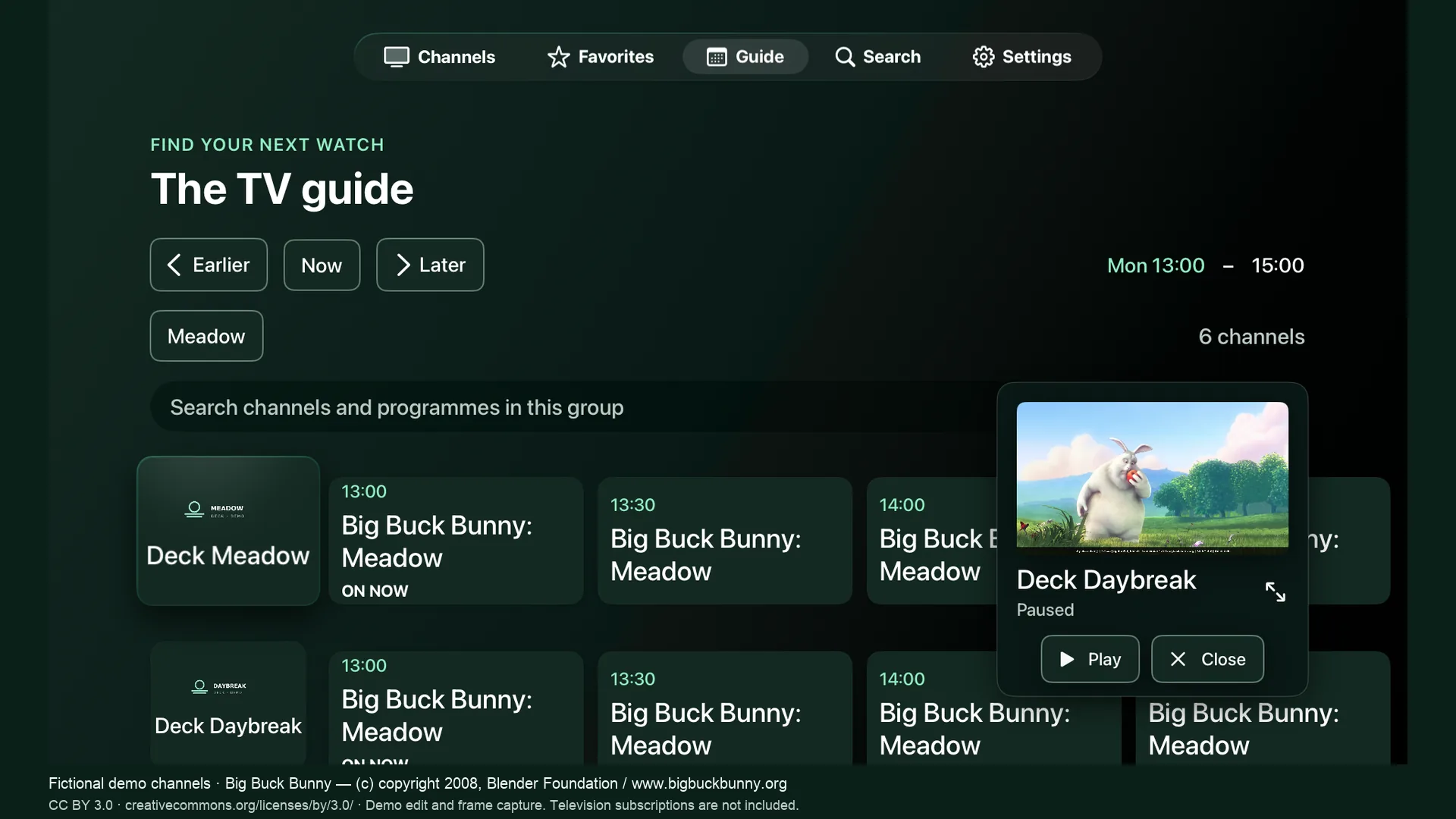
Keep the match in a corner while you browse the guide — on Apple TV and on Mac.
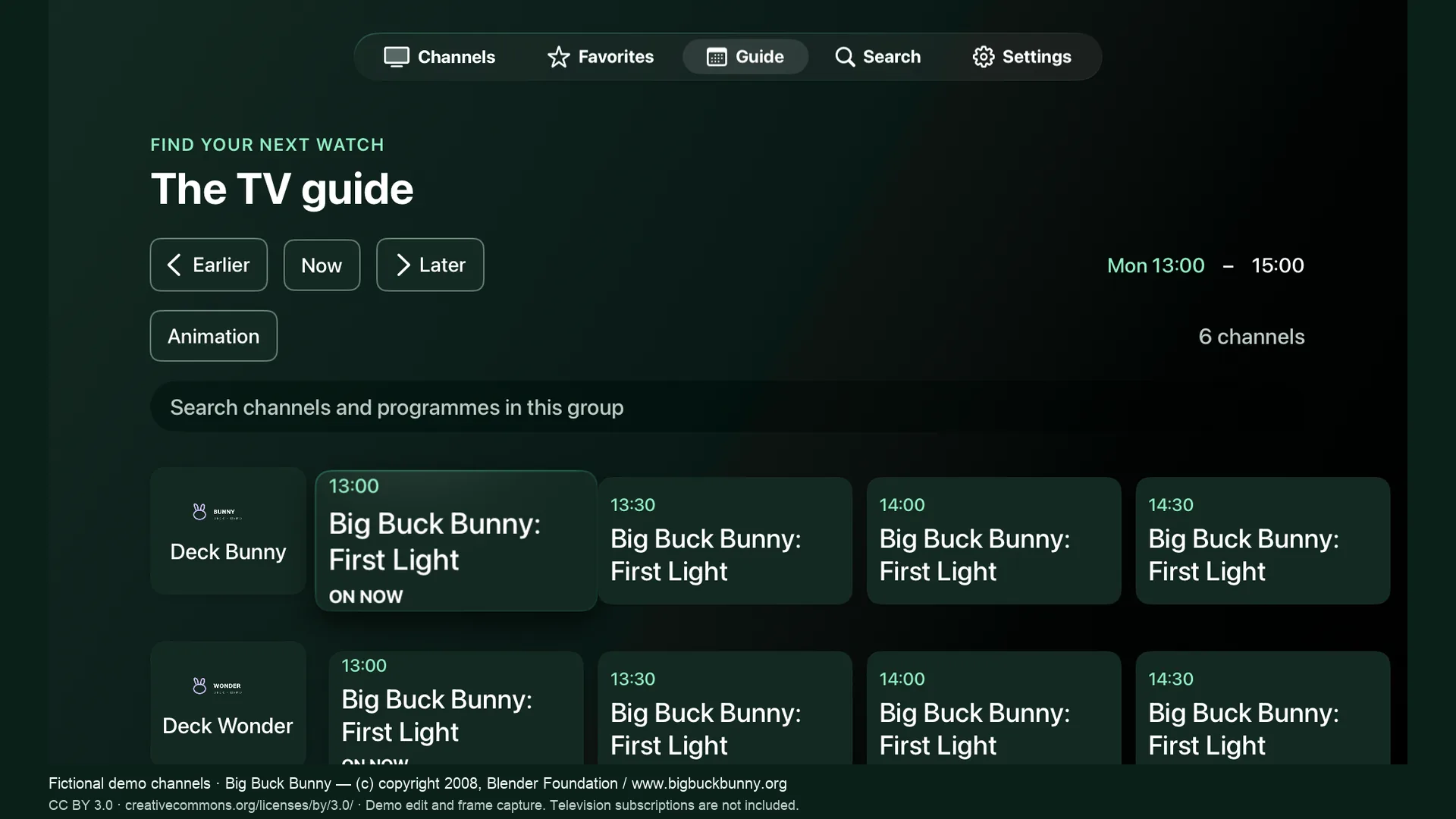
XMLTV from your playlist, with Open-EPG matching to fill the gaps.
Take the tour
Pause live TV and keep up to ten minutes of history on Apple TV. Skip ten seconds either way, then Go Live when you are ready. Adaptive buffering keeps playback smooth.
On the big screen
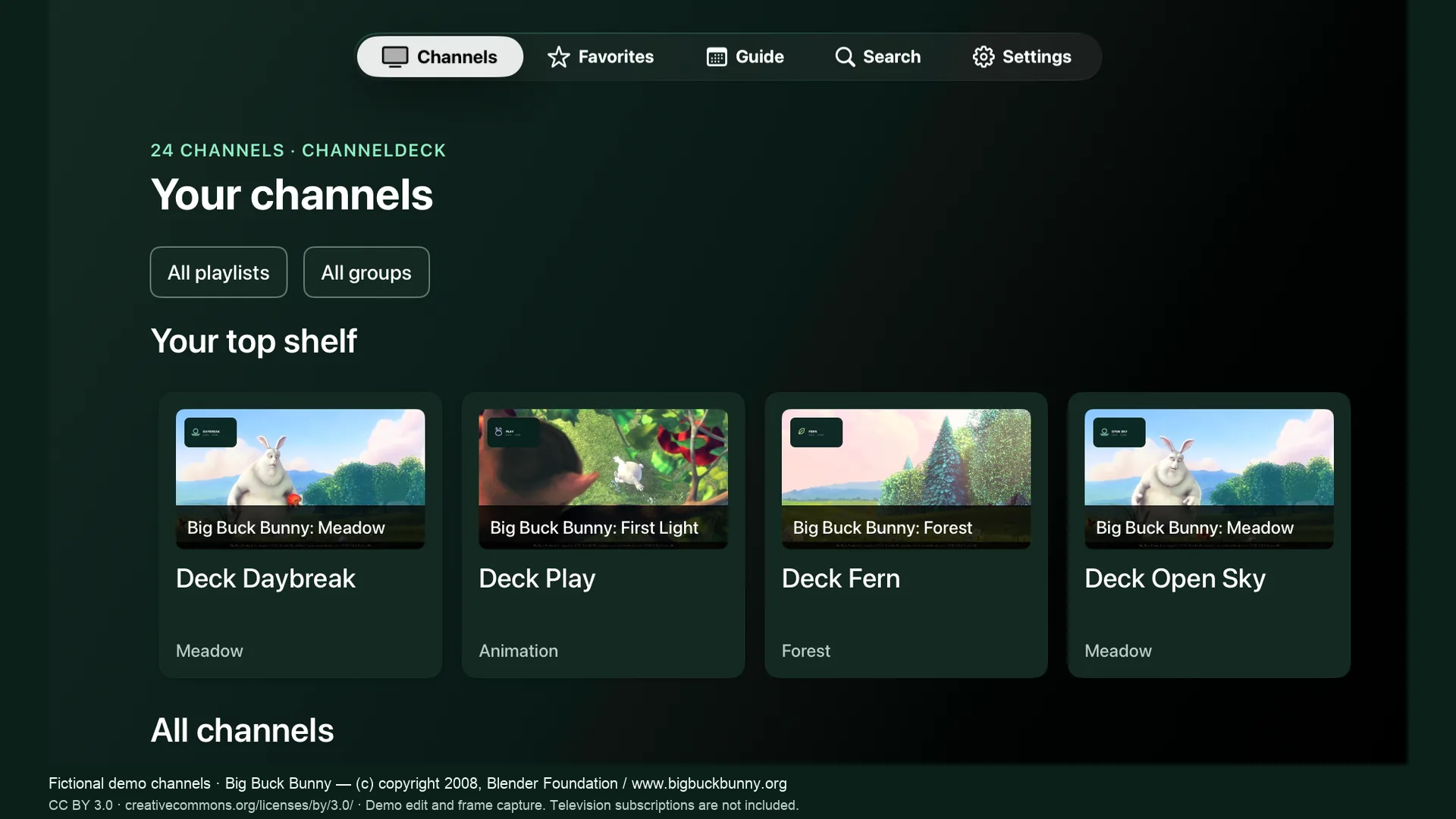
Your playlists, a calendar programme guide, live rewind and Picture in Picture — with a layout that fits your screen.
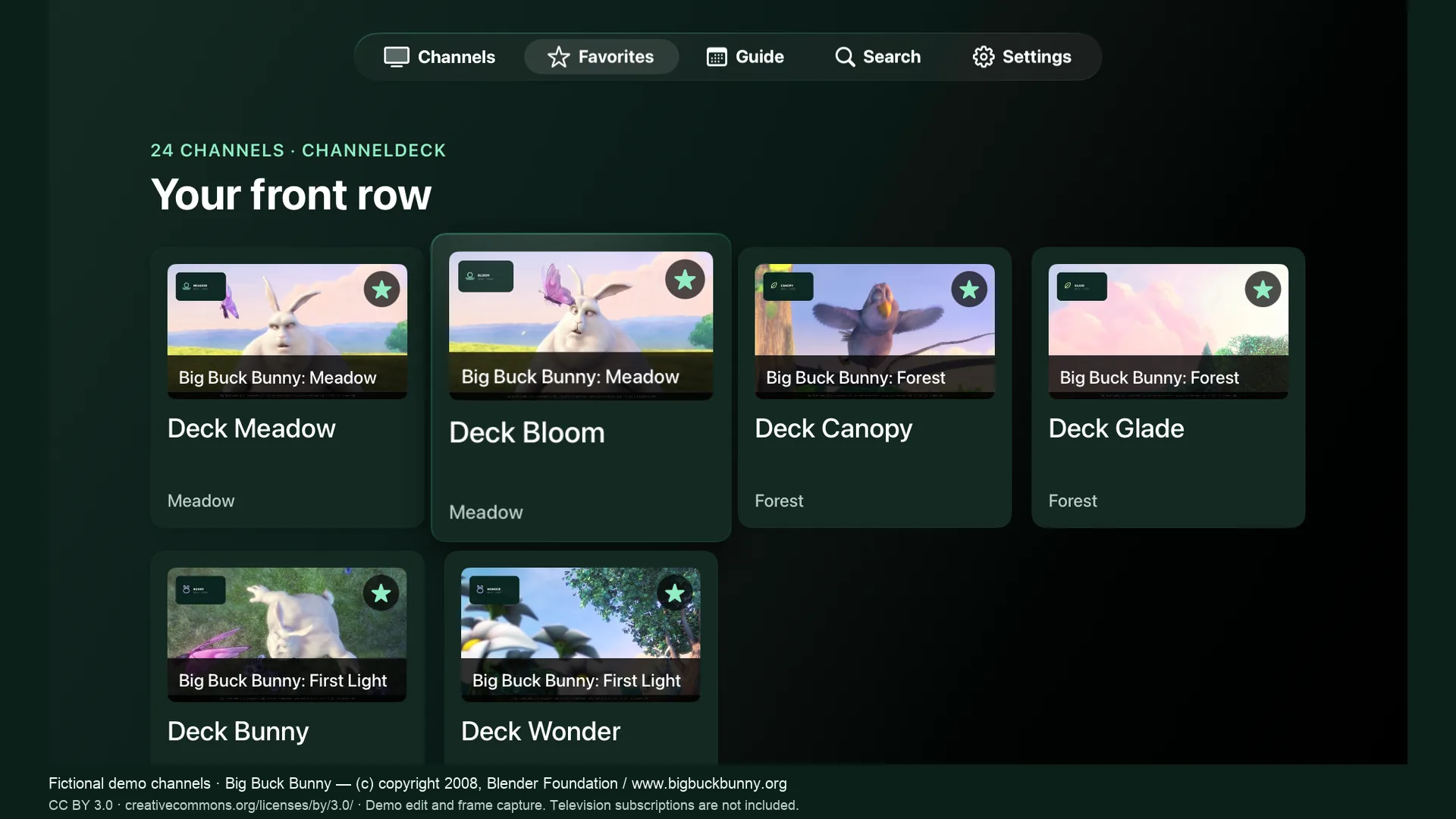
Meet ChannelDeck for iPhone & iPadA fullscreen player, the guide, favorites and a mini player — all from the Siri Remote. Adaptive buffering keeps playback smooth.
Download on the App Store tvOS 18 or later · Meet the Apple TV appThe same library on your desktop, with a live buffer, local recording, Picture in Picture and AirPlay.
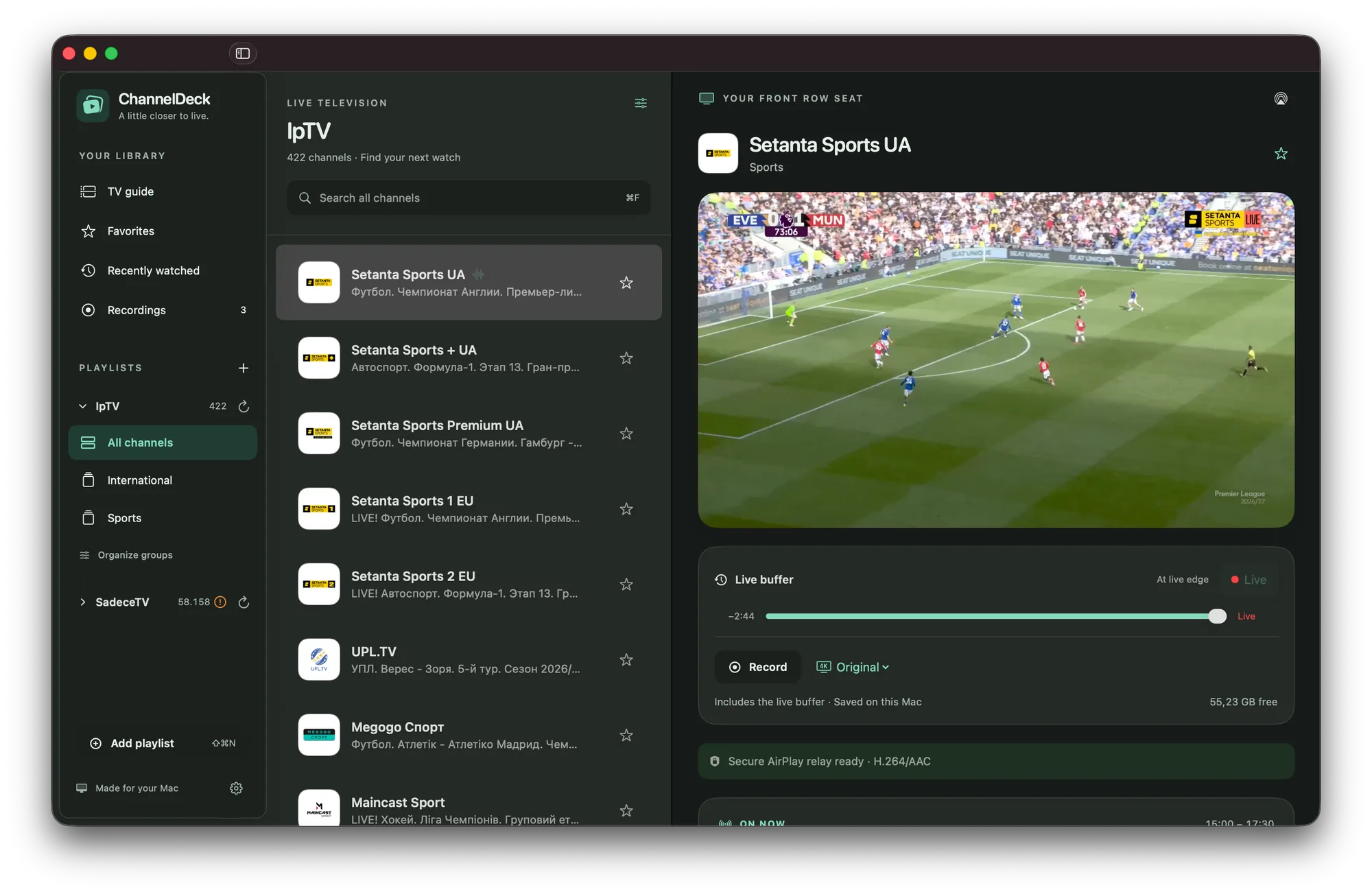 Download for Mac Apple silicon · macOS 15 or later · v0.2.1
ChannelDeck is a player, not a provider. It plays IPTV (M3U) playlists you are authorized to use and does not include or sell television services. Guide coverage and stream compatibility depend on your source.
Getting started guideDemo imagery: Big Buck Bunny, © 2008 Blender Foundation, CC BY 3.0. Fictional channels, captured in ChannelDeck. Full credits.